Great work needs a great workflow
Get started with Narrative for free on Windows and macOS. No credit card required.
Unlimited projects | Unlimited images | Integrates with Lightroom.


Lock in for 12 months and get 30% off! See Pricing
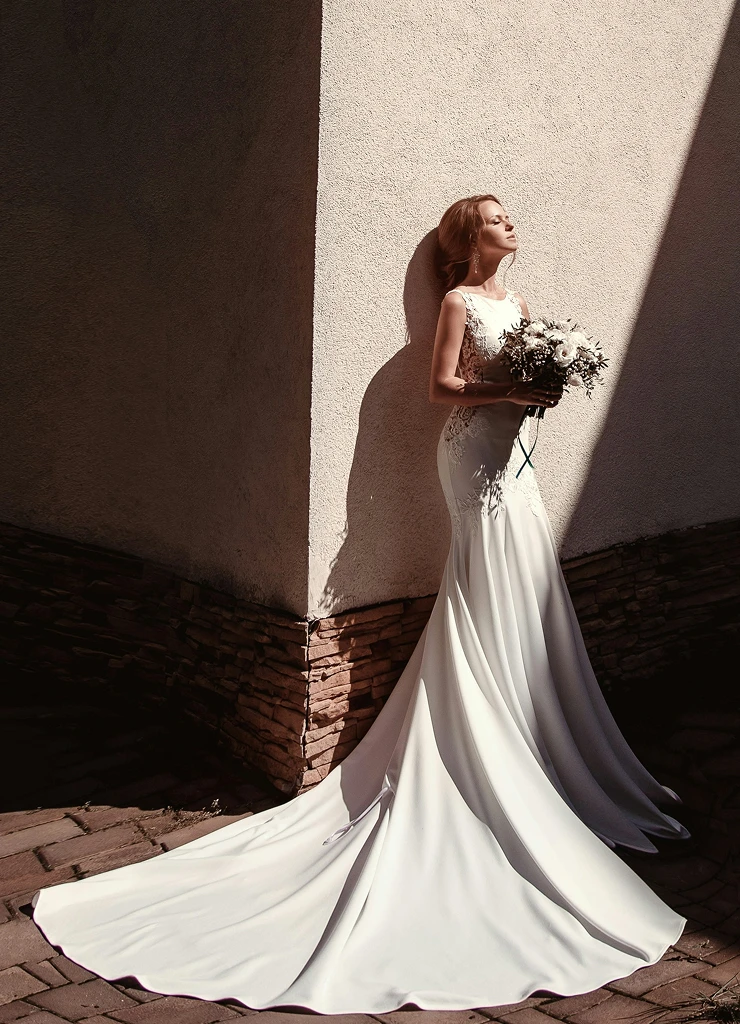
Avoid fatigue filtering through variations of the same shot. With Scenes view
you can easily find the best shot with our AI driven recommendations.
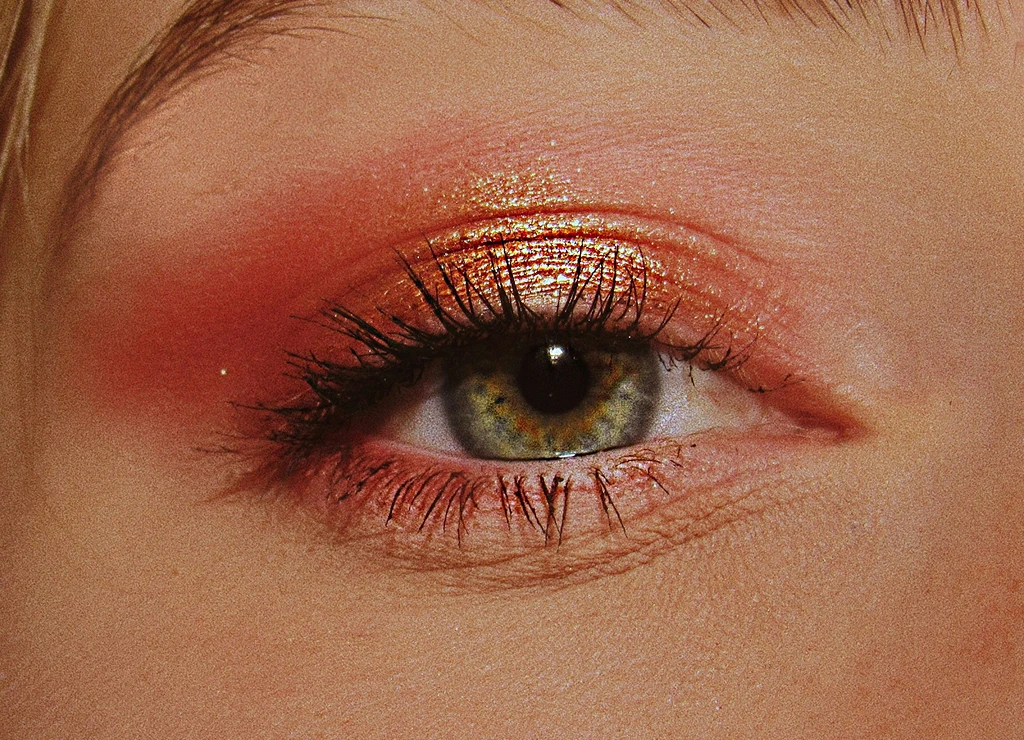
Make decisions quicker. Zooming in on each face individually is slow, time-consuming and frustrating.
See focus issues and facial expressions ten time quicker!
See the part of the photo that matters.
It's especially helpful for photos with lots of posed subjects – but it's helpful even for couple photos or photos with just a single person.
Anissa D • @anissadphotography
Get started with Narrative for free on Windows and macOS. No credit card required.
Unlimited projects | Unlimited images | Integrates with Lightroom.
Scenes View groups similar photos from the same moment, so you can compare them side by side and keep the best of each. The strongest photos in each Scene show first, so you can move through a big shoot moment by moment.
Press S, or click the Scenes icon in the toolbar, once your project has finished processing.
Previous or next Scene: ← / →
Previous or next photo: ↑ / ↓
Move through the photos in a Scene: ⌘ ↑ / ↓ on Mac, Ctrl ↑ / ↓ on Windows
Select every photo in a Scene: hold ⌘ Shift (Mac) or Ctrl Shift (Windows) and click a thumbnail
You can change these shortcuts in Preferences.
Scene rank uses AI First Pass assessments, which draw on face, eye and focus assessments, to put the strongest photos in each Scene first. On a Mac with macOS 14 or later, photos without faces are ranked by how sharp they are compared with the rest of their Scene.
Scene rank only compares photos within a Scene. It's a place to start looking, not a verdict on your photo.
No. Once Narrative has grouped your photos into Scenes, you can't move a photo to a different Scene.
Standard, Premium, and Ultra. Scenes View is not included on Lite. See our pricing for more information.
Yes, with Survey Mode. Select the photos you want to compare and press N to see up to 12 whole photos side by side. Select just one photo and Survey Mode opens its whole Scene.
Press Shift + N for Face compare, which shows the faces from up to six photos together. Image compare is on every plan; Face compare is on Standard, Premium and Ultra.
No problem. Our Support articles go into more detail, or email our team at support@narrative.so.

